There are two types of error you need to know about for your exam (and when you're coding)…
- Syntax errors
- Logic errors
What is Syntax?
Syntax is the rules of a language, including the spelling and use of symbols. In English, syntax includes the use of capital letters and punctuation.
Computers follow rules exactly, and any mistakes in the syntax of a program will prevent it from running properly. This is called a syntax error.
Common Causes of Syntax Errors
Incorrect Spelling

The computer will not understand misspelt statements, such as prnt instead of print. Variable names should be spelt consistently throughout the program.
Incorrect Capitalisation

Statements are usually spelt using lowercase characters. The computer will not recognise incorrectly capitalised statements, such as Print instead of print. Variable names should use consistent capitalisation.
Missing / Mismatched Symbols

Forgetting to close brackets or speech marks, closing them in the wrong place, or missing-out commas or other symbols are another common cause of syntax errors.
Error Messages are your Friend
It is easy to dismiss error messages and get angry with them, but they are designed to help you!
They will usually tell you:
- Where the error is (the program file name and line containing the error)
- What the error is (such as a syntax error)
- How you might be able to fix it.

Logic Errors
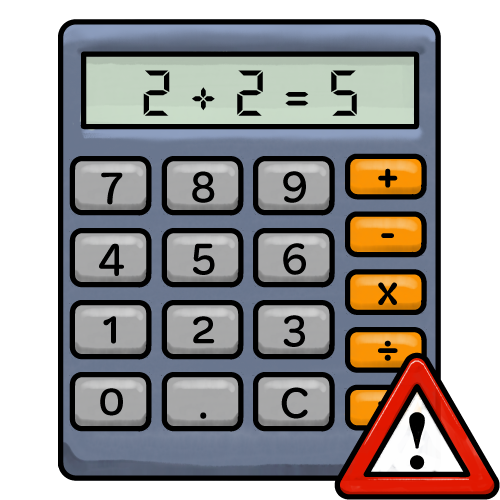
When a logic error occurs, the program will seem to run normally, but the results will be wrong.
Logic errors can occur because of:
- Incorrect calculations: using the wrong formula or mathematical operation
- Incorrect conditions: using the wrong comparison, such as < instead of <=
- Incorrect sequence: instructions are carried out in the wrong order
- Incorrect variables or values: using the wrong variable or assigning an incorrect value
Because there are no errors, and the program won't crash, logic errors can be tricky to spot!
To find logic errors, programs should be thoroughly tested using a range of input values. We should manually calculate the expected results and compare them to the results from the program. This can be done using a trace table.