Methods of User Interaction
We mostly interact with devices using these methods…
Keyboard
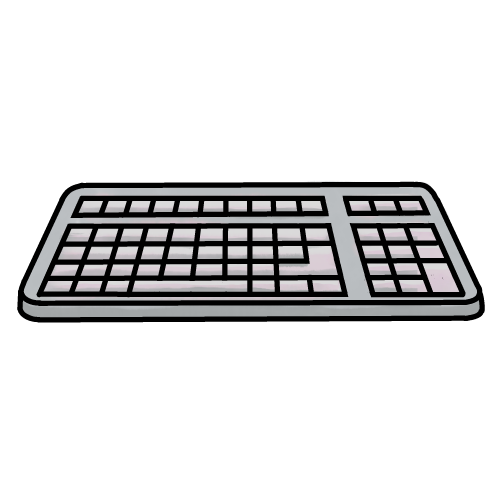
The user enters text commands, the device usually responds using only text
Pros: Fast and efficient, but only when the user is experienced
Cons: Learning to type can take a lot of time, and command line instructions can be complex
Mouse
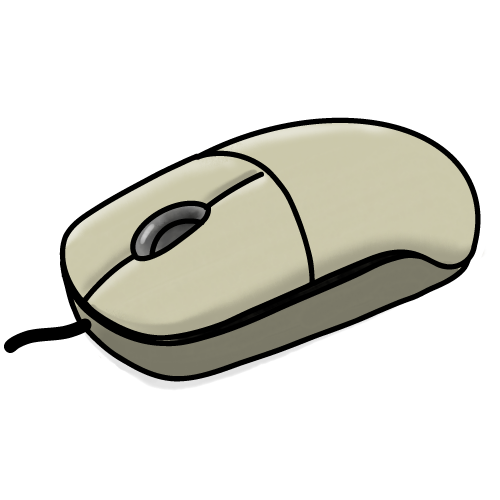
The user moves an on-screen pointer to select and move icons and other objects
Pros: Intuitive and accurate
Cons: Needs a large flat surface. Can be awkward to use, especially for users with some disabilities
Touch
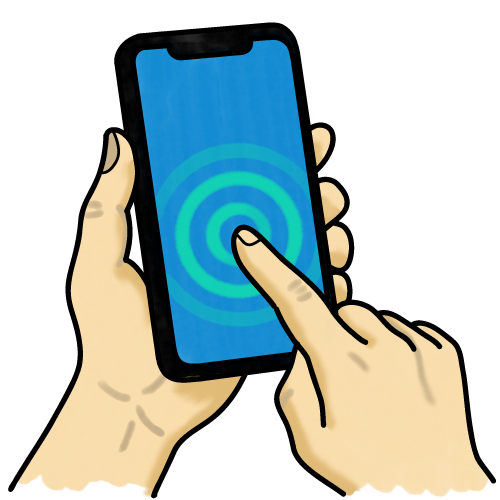
Using a touch-screen, the users can select icons and other objects
Pros: Intuitive, does not require hardware which will use more physical space
Cons: Less precise than some other methods, and can be affected by some environments
Gesture
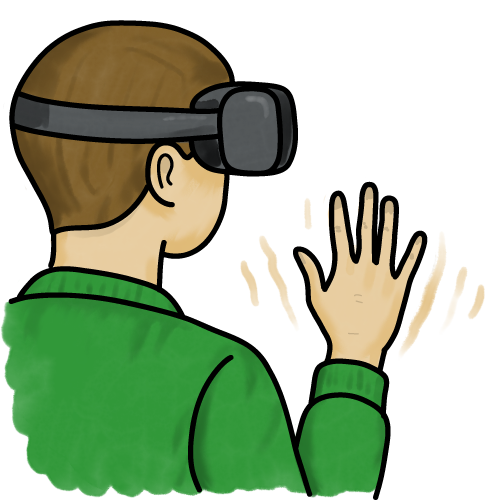
A more advanced method of touch, using swipes and pinches, or full-body motion such as virtual reality or the controllers on a Nintendo Wii
Pros: Fun and engaging, intuitive and natural
Cons: May need additional sensors, can be tiring to use, and is not always accurate
Voice

The device uses a microphone to listen to our instructions (e.g. Alexa and Siri)
Pros: Intuitive and hands-free operation
Cons: Performs poorly in noisy environments, and can misunderstand accents
Choosing an interface
The system designer must decide on methods of interaction which best suit the type of device, how the user will interact with it, and limitations of the hardware.
Operating System Interfaces
The operating system is software which controls the whole computer (see 2.3 Software Considerations). It also provides the user interface.
Hardware interaction methods and system resources dictate the type of interface. There are two main types:
Command Line Interface (CLI)
- Instructions are typed
- Commands must be very specific
- Very difficult to learn and remember commands
- Fast and efficient for experienced users
- As there are no graphics to storage and process, very few system resources are needed
Graphical User Interface (GUI)
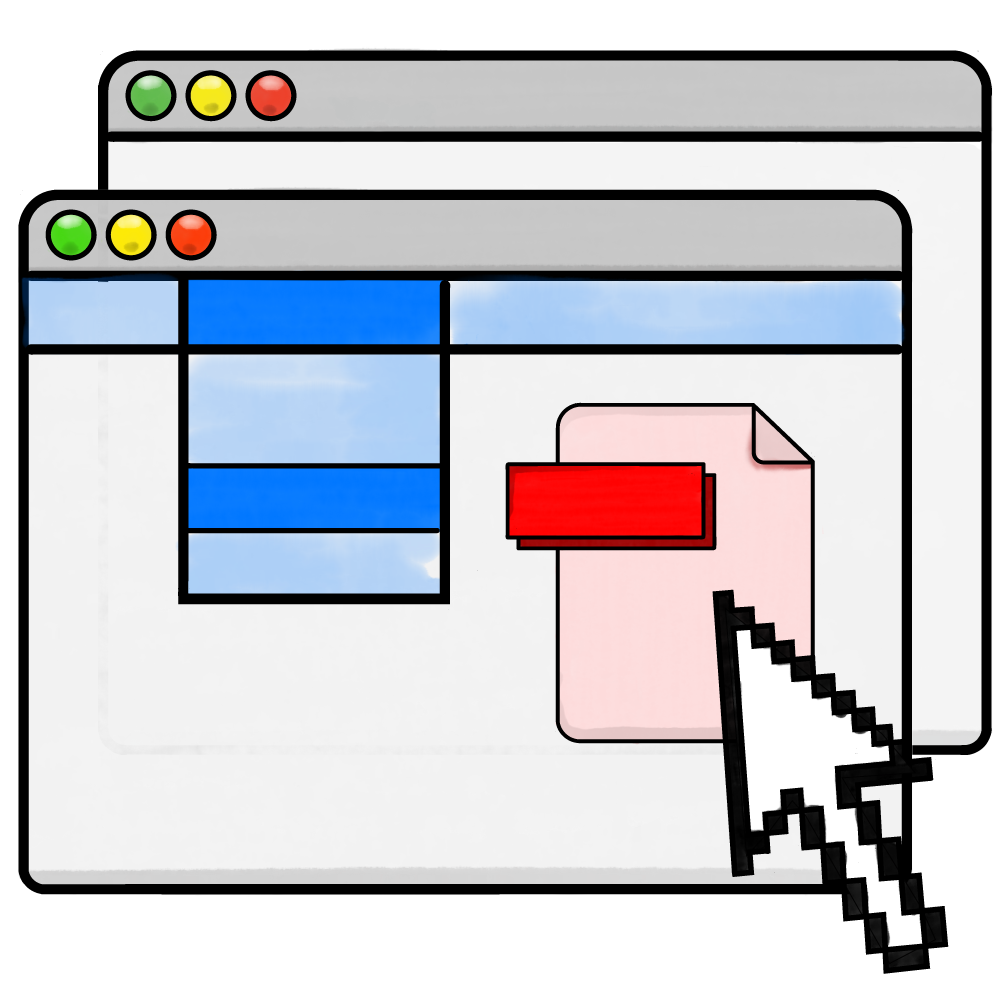
- Files and folders are represented as graphical icons
- Intuitive and user-friendly
- Much higher system resources needed, as images must be processed and stored
- A common type of GUI, used on Microsoft Windows and MacOS, is WIMP: Windows, Icons, Menus, Pointer