What is an Operating System?
The operating system is the main software which allows us to use the computer. Its main functions are:
Commonly used operating systems include:
- Windows – used on most desktop PCs and laptops
- MacOS – used on Apple desktop and laptop computers
- iOS – used on Apple iPhones
- Android – used on non-Apple smartphones and tablets
- Linux – often used on servers and embedded systems
User Interface
A user interface allows us to interact with the computer.
It allows users to enter commands (using input devices, such as a keyboard, mouse, or microphone). The results of processing are returned to us using output devices (such as a monitor or speaker).
Different Interfaces
Different types of device use different interfaces, depending on factors such as screen size, processing power, and storage. Common interfaces include:
Command Line Interface (CLI)
Instructions are typed, which is difficult to learn and remember, but fast and efficient for experienced users. There are no graphics to store and process, so very few system resources are needed.
Graphical User Interface (GUI)
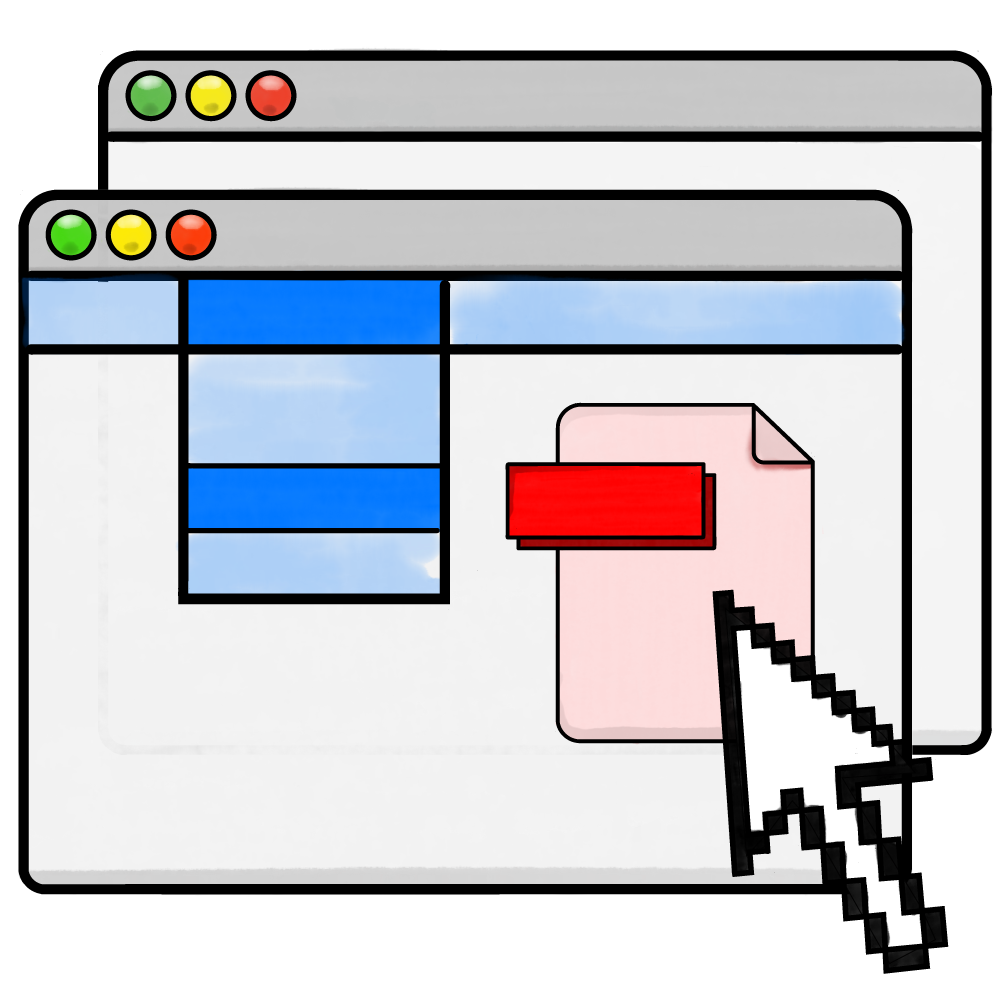
Files and folders are represented as graphical icons. This is intuitive and user-friendly but requires much higher storage and processing capacity than a command line interface.
Natural Language Interface

We give and receive instructions using normal English. This may be spoken, such as with Alexa or Siri, but could be typed. This is the easiest interface to use, but can be inaccurate and have a limited range of commands.
Memory Management & Multitasking

When we open a program or data, it is transferred from secondary storage into RAM (random access memory). This allows the CPU to fetch, decode, and execute the instructions.
It is the operating system's job to manage this process, which includes:
- Transferring data into RAM
- Ensuring data moved into RAM does not overwrite other data
- Keeping track of where in RAM data is stored
- Removing data from RAM when it is no longer needed
The operating system is also responsible for multitasking.
Multitasking
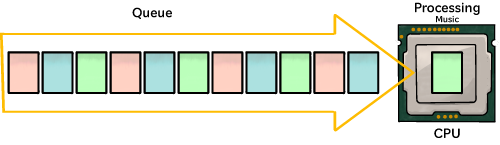
On each iteration of the fetch-decode-execute cycle, each core performs just one task. So how does our computer allow us to listen to music, type, browse the web, and more… all seemingly at the same time?
Let's say we want to use three apps at the same time: a music player, word processor, and a web browser.
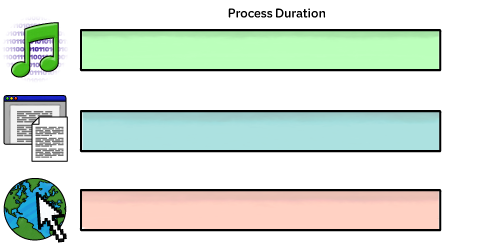
Each one of these is sliced into lots of processes.
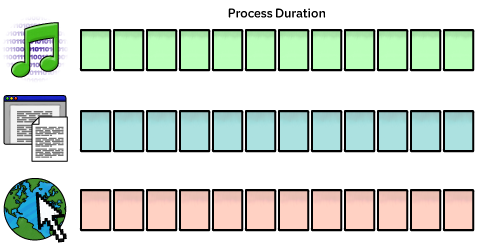
The operating system passes the slices to the CPU. The CPU executes one slice at a time before moving on to the next. It does this so quickly, we think everything is running simultaneously.
Peripheral Management and Drivers
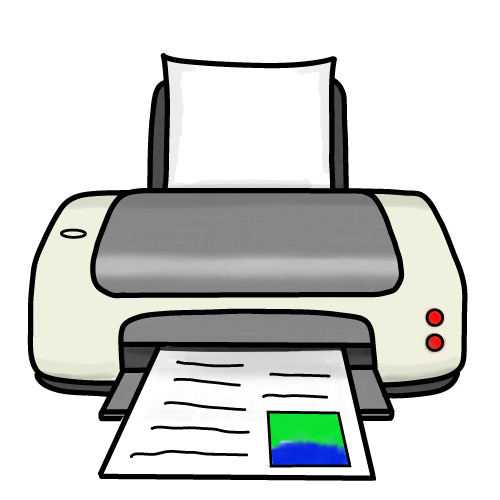
A peripheral is an additional hardware device connected to the computer. They may be internal – inside the computer casing, or external – outside the computer.
Peripherals are often also be categorised as input, output, or storage devices.
Each peripheral handles data in its own way, which is usually different to how the computer handles data. Device drivers are added to the operating system. They translate the data between the computer and peripheral so they can be used together.
User Management
The operating system handles user authentication, so only authorised users can logon to the device.
It also prevents unauthorised access to specific files, folders, and applications.
These features are important parts of data security.
File Management
The operating system manages how data is organised into files and folders.
It allows us to easily organise our data.
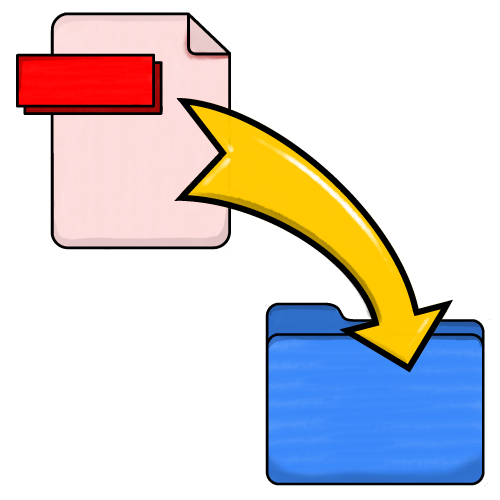
Deleting, renaming, and moving files and folders is also managed by the operating system.

Data is stored on secondary storage, such as a hard disk drive or solid state disk. The operating system manages where the data is physically stored within the device.