What is HCI?
A Human Computer Interface is how we interact with technology: how we tell it what to do, and how it responds to us
We will be looking at how different types of tech, in different sectors, require different types of interaction
Categories of Technology
Click on each category to find out more about the types of equipment which may be used, and the pros and cons of of using a human computer interface.
Embedded Systems
Banking
Home Appliances
Entertainment
Fitness
Retail

Embedded Systems
An embedded system is an everyday machine with a built-in computer to provide additional functionality. They are often very simple, low-power, low-cost computing devices which perform a single function, such as a controller in a washing machine.
Many of the devices in each of these categories use embedded systems. Embedded systems are commonly found in:
- Washing machine
- Microwave oven
- In-car entertainment system
- Coffee maker
- Medical equipment
Advantages
- Simple interfaces for specific tasks
- Fast and efficient to use
- Direct control over hardware
- Often intuitive, requiring little training
Disadvantages
- Limited options and functionality
- Difficult (or impossible) to change once manufactured
- Limited user feedback in the event of a problem / error

Banking
The banking sector uses the following technologies:
- Cash machines (ATM)
- Cashier terminals (used by bank staff)
- Apps (used by customers)
Advantages
- ATMs and banking apps have simple, easy to use interfaces
- Information is clearly presented
- Integrated security features, such as PINs and Face ID
Disadvantages
- Poorly designed HCI can lead to security concerns
- Can be confusing to non-tech users
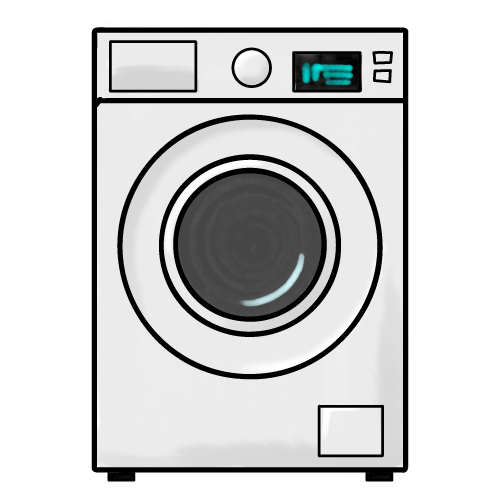
Home appliances
Home appliances, which include a human computer interface, include:
- Washing machines
- Microwave ovens
- Central heating thermostat
- Robot vacuum cleaners
Advantages
- Very simple to use
- Ease of use via touchscreen or simplified button commands
- Customised for specific functionality (e.g. starting a washing machine program)
Disadvantages
- Limited options and functionality
- Difficult (or impossible) to change once manufactured
- Limited user feedback in the event of a problem / error
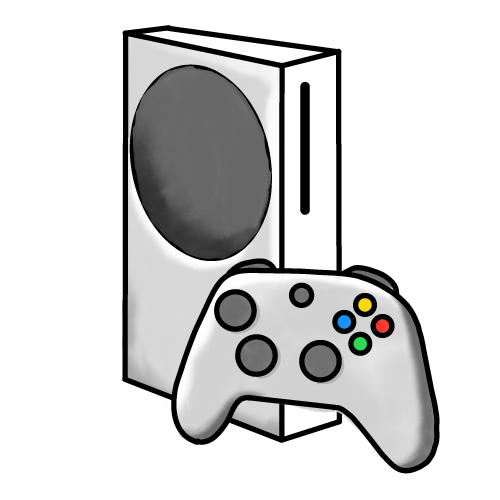
Entertainment
Entertainment systems include:
- TVs
- Games consoles
- In-car entertainment system
- VR headsets
- CD / DVD / Blu-Ray players
Advantages
- Engaging and visually appealing interfaces
- Customisable (e.g. different user profiles)
Disadvantages
- Design may interfere with functionality
- Often inefficient (e.g. typing a password using a remote control)
- Can be awkward to navigate

Fitness equipment
This category includes Wearable items and larger gym machines, such as:
- Smart watches
- Gym / training equipment
- Health monitors
- Bike speed / distance computers
Advantages
- Real-time feedback
- Clear information can be seen "at a glace"
- Very simple to use
Disadvantages
- Small device sizes limit information access
Retail

Systems within the retail sector, used by either staff or customers, include:
- Point of sale terminals (tills)
- Self-service tills
- Hand-held barcode scanners
- Shopping apps
Advantages
- Efficient design speeds-up transactions
- Personalised recommendations
- Online shops allow 24/7 shopping
Disadvantages
- Self-service machines can be frustrating to use
- Automation in shops may lead to social isolation and job losses
Creating an Effective Human Computer Interface
There are five key points to consider when designing an effecive HCI:
Consistency
- The design and layout is the same across all sections of the interface
- Users can find things because they are always in the same place
Simplicity
- Easy-to-follow instructions
- No clutter from un-needed elements
Clarity
- Easy to see on screen
- Clutter makes instructions and objects difficult to find and use
Accessible
- All users, regardless of their level of accessibility (e.g. sight or mobility issues), must be able to use the interface — this is a legal requirement
Intuitive
- Users should be able to work-out how to use the system with minimal instructions