What is Hardware?
Computer hardware is the physical components of the computer. They can be external (such as a monitor or keyboard), or internal (the CPU or RAM).
External hardware devices are used as part of the human-computer interface — they are how we give the computer instructions, and how the computer tells us what it is doing.
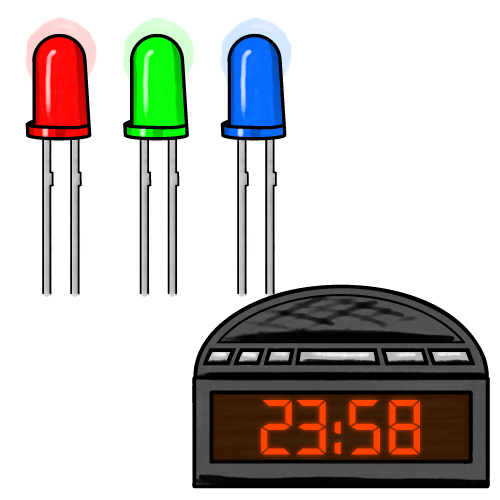
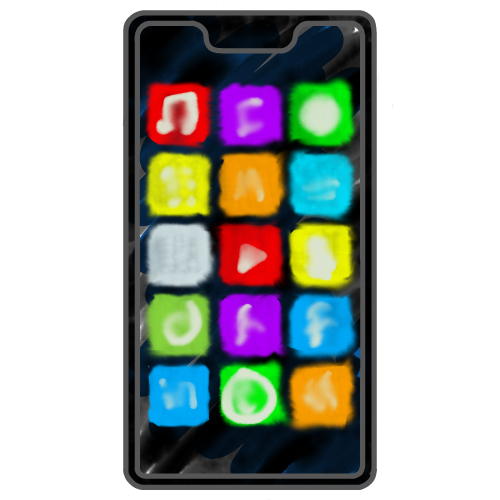
Most devices use some form of display to respond to us.
Internal hardware components allow the computer to process and store data. We do not interact directly with them.
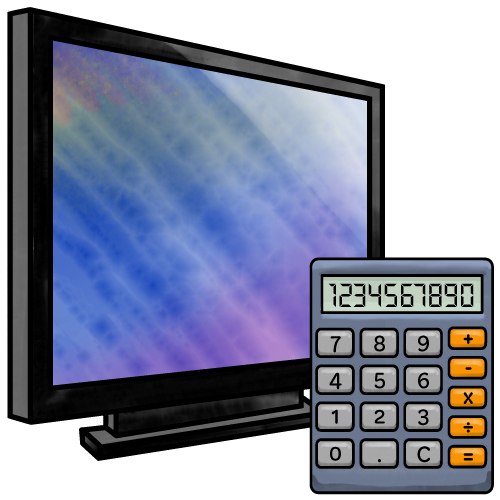
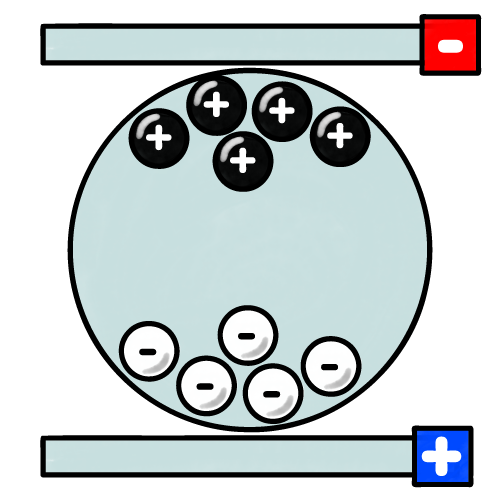
Types of Display
Click a button to reveal information about each type of display.
Touch Screens
A touch-layer may be added over a screen. It detects the coordinates of where a user touches the screen and allows the device to determine what has been selected. There are two types: capacitive and resistive.
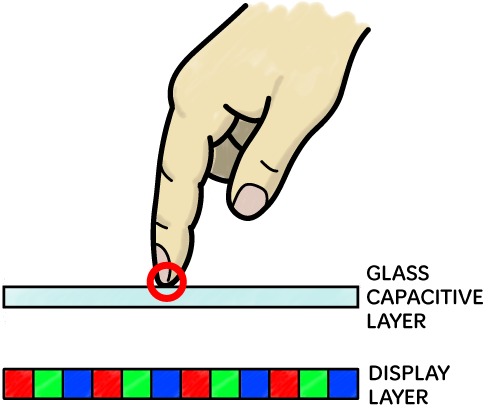
Capacitive Touch Screens
A glass layer over the display emits an electrical field. When we touch it, our finger disrupts the field and the device can calculate what we selected. Capacitive touch screens are:
- Accurate
- Thin
- Capable of multi-touch gestures (e.g. pinching and swiping)
- Expensive
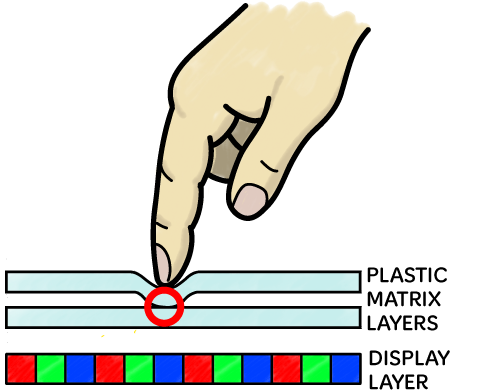
Resistive Touch Screens
Two pressure-sensitive layers contain thin conductive wires. When they are pressed together, the wires connect to form a grid which the device can use to calculate what was selected. Resisitive touch screens are:
- Not as accurate as capacitive layers
- Durable
- Able to detect touches even if the user is wearing gloves
- Cheaper than capacitive touch screens
Display Sizes
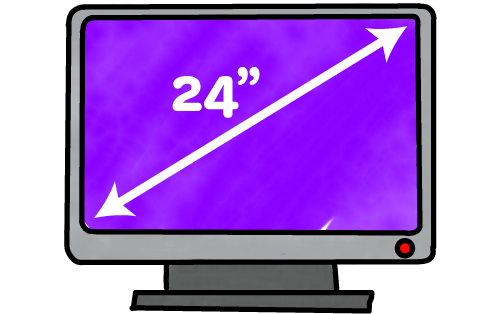
TV and monitor sizes are measured diagonally, usually in inches.
Larger displays use more power and need a more powerful system to calculate content.
Smaller displays are lighter and more portable, but cannot show as much information.
Computer Resources
The more complex the interface, the more computing resources will be needed. These are provided by internal hardware components. Although there are many different types of components, this qualification only requires you to know about processing and RAM.
Processing Power
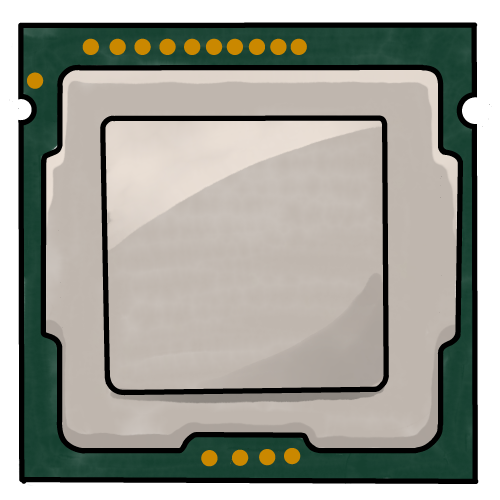
The CPU (central processing unit) is the brain of the computer. It controls everything the device does.
Interfaces with graphics (even simple graphics) will also need a GPU (graphics processing unit), although this may be built in to the CPU.
Embedded systems will have very limited processing capabilities.
Memory

RAM (random access memory) stores the programs and data currently in use (including any graphics and text data).
Interfaces with graphics require more memory than other types of interface