What is Malware?
Malware (malicious software) are computer programs which can damage or steal our information. There are two main purposes for malware:
Damage our Data

- To get revenge on the data’s owner
- Lock your computer and demand money for release
- To cause trouble or disruption
- To prevent customers using a business
Damage our Data
- To buy things with our account
- To steal money
- To cause trouble or disruption
- Steal company or government secrets
Although sometimes hackers do it just to prove they can!
Types of Malware
There are six main types of malware you need to know about:
Virus

A program that attaches to files and spreads when opened, often deleting data or crashing systems.
Worm

A worm spreads on its own through networks, quickly filling up storage or slowing down entire systems.
Adware

Adware fills your screen with annoying adverts and can slow down your device or lead you to unsafe websites.
Ransomware

Locks your files and demands money to unlock them, making your data useless until paid (if ever).
Spyware

Secretly tracks what you do steals your passwords, personal information, or online activity.
Trojan Horse

Looks like safe software, like a free game, but secretly gives hackers control of your device or access to your files.
Protecting our System
There are several ways we can help to protect our system. These are the three main ways. We should aim to use all of them.
Installing anti-malware software
This scans our system and blocks malware from running or spreading.
Being careful online
Do not click on suspicious links and do not install software unless we are sure it is from a reputable source
Do not use media from untrusted sources
If you find a memory stick, or other media, do not use it.
Distributed Denial of Service (DDoS) Attack
How Does an Attack Work?
Click through the slides to discover how a distributed denial of service attack works.
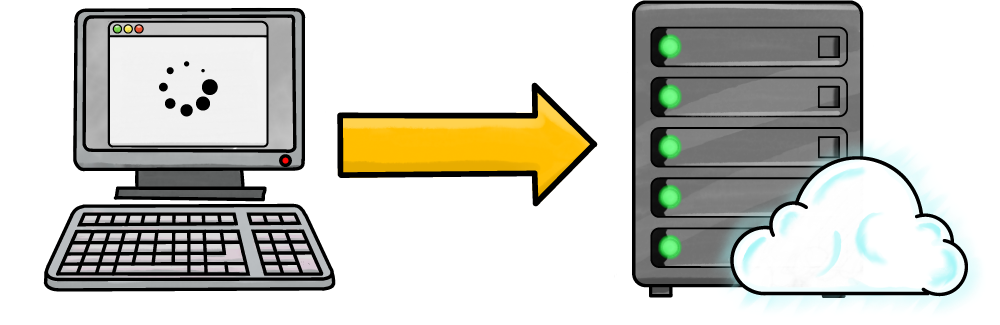
A server is a powerful computer which can store lots of data and process lots of requests.
When you access any online resource, such as checking your email; visiting a website; or accessing your school's learning platform (like Google Classroom), your computer is accessing a server.
When your device wants data from a server, it sends a request for it.
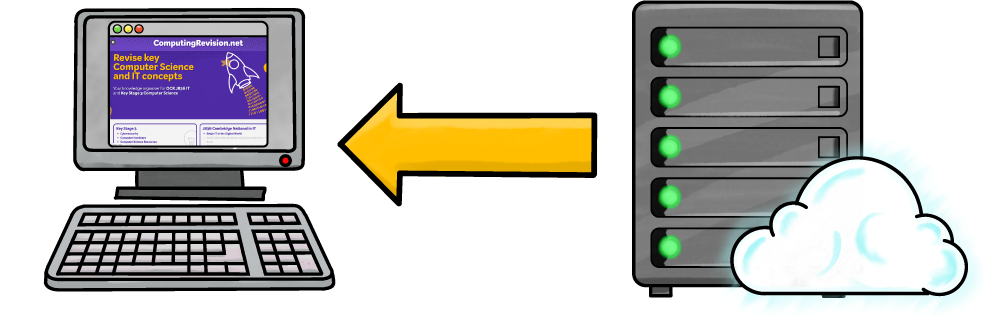
When the server receives the request, it can either accept the request or deny it.
If the request is accepted, the data your computer asks for is sent.
For example, when you visited this web page, your web browser requested the files that make up the page (such as the pictures, HTML file, and other supporting files). The server accepted the request and sent the files to your browser to be displayed to you.
This is called a client-server relationship.
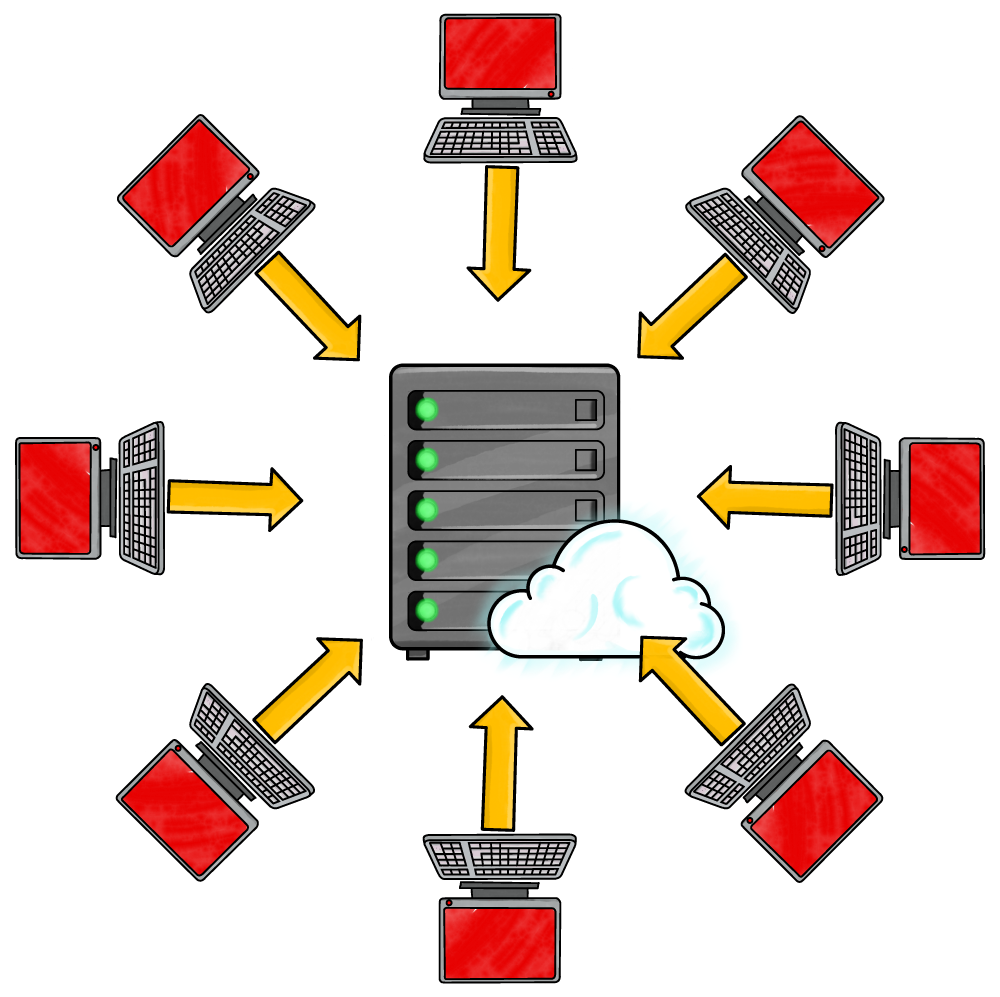
Servers can handle thousands of requests at a time, but there is a limit.
In a denial of service (DoS) attack, hackers can send billions of spam requests to the server. This completely overwhelms the server! It cannot handle so many requests and becomes unable to process any of them – even legitimate ones from real users. The server stops responding and the system becomes unavailable. Nobody receives their files.
Imagine a performer juggling three balls. They can do this without a problem. But if hundreds of people suddenly threw hundreds of balls that them, they'd drop all of them – including the ones they were supposed to be juggling.
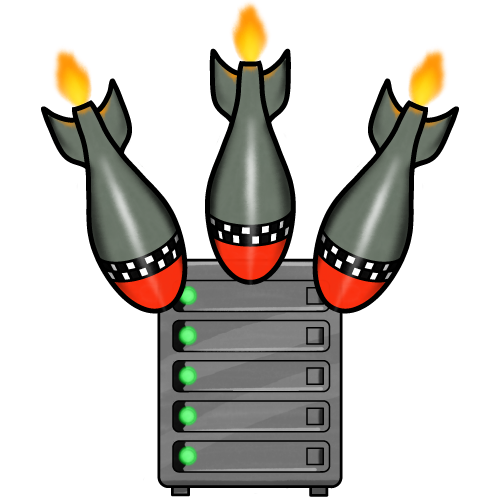
So how does an attacker send so many requests at once?
Before launching an attack, they will spread malware onto as many devices as possible. When they're ready to attack, they send a message to the malware to all start sending spam requests at the same time.
These malware-infected devices are known as zombies. Together, they form a botnet.
The zombie device users probably won't even realise their device is part of a botnet, although they may notice slower performance as it is busy sending spam requests to the server.
DoS or DDoS?
DoS Attack
A DoS (Denial of Service) attack comes from one single computer or source. It sends lots of traffic or requests to a server to overload it, causing it to slow down or stop working.
DDoS Attack
A DDoS (Distributed Denial of Service) attack comes from many computers at the same time. These computers are often part of a botnet controlled by an attacker. Because the attack is spread across many machines, it is much harder to block and usually far more powerful.
Motives for a DoS / DDoS Attack
Why might someone want to perform a denial-of-service attack on a server?
- Damage competition: if someone can’t use your competitor’s system, they may use yours instead
- Political statement: to make others notice their cause or because they disagree with an organisation's policies
- Blackmail: demanding payment not to perform a DoS attack
- Malice: just to be mean or cause problems
- Challenge / fun: to prove they can beat a system’s security