ComputingRevision.net

4.3 Prevention Measures

Recovering from a cybersecurity attack can be slow and expensive. A business may never recover! So it's vital to reduce the risk of becoming a victim of an attack.

Data security can be categorised physical or logical prevention measures – although some prevention methods can be placed into both categories.

Physical Prevention Measures

  • Tangible, real-world, security.
  • Prevents physical access by unauthorised users.

Logical Prevention Measures

  • Software-based controls.
  • Protects data which is stored in a computer system.

Click to toggle between types of prevention measure.

Physical Prevention Measures
Logical Prevention Measures

Biometric Devices

Fingerprint
  • The physical characteristics of authorised users are used to check access rights.
  • May use fingerprints, facial recognition, or sometimes iris recognition.
  • Often used on mobile devices (e.g. Face ID on an iPhone).

Keypad Access

Keypad
  • A room or area is locked.
  • Entering the correct code on a keypad will electronically unlock a door.

RFID

RFID Card
  • RFID stands for radio frequency identification.
  • A card or fob is used to contactlessly unlock a door and allow access.
  • Works in the same way as contactless payment cards.

Encryption

Key and data
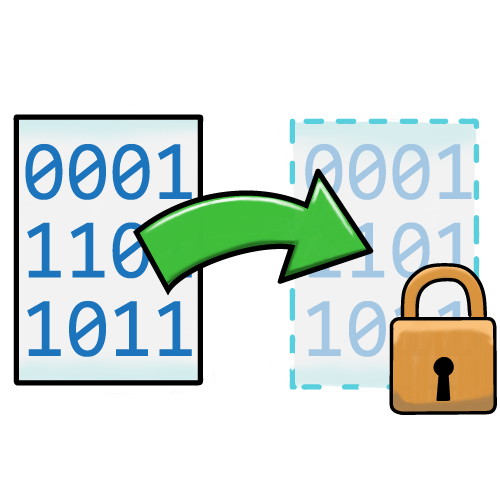
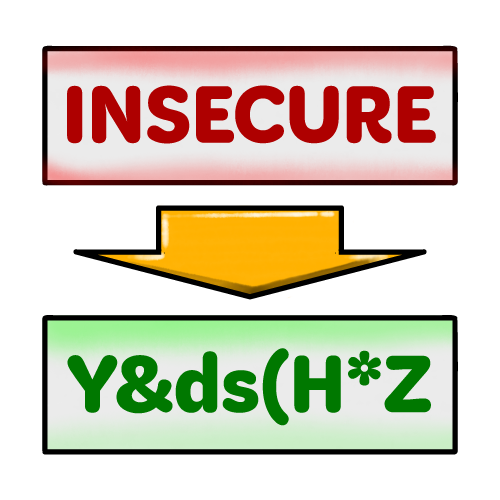
  • Data is scrambled.
  • An authorised user will have a key (a complex number) which will unscramble the data so it can be understood.
  • If unauthorised users try to read the encrypted data, they will not understand it so it will be of no use to them.

Two Factor Authentication

Two Factor Identification
  • When a user name and password are entered, an additional code is generated and sent to a different device which can be accessed by the authorised user (e.g. their phone).
  • If the user enters the other code correctly, access is granted.

User Access Rights

User Access Rights illustration
  • A user’s ability to access, edit, or delete data is restricted depending on their role
  • Example: a student can only view and edit their own files. Their teacher can view and edit the files of all students.

Anti-malware

Anti-malware icon
  • Software which monitors a system for malicious software.
  • If malware is detected, it is quarantined and prevented from running.
  • Anti-malware software can check files against a database of known malware, or can monitor for activity consistent will malicious software.

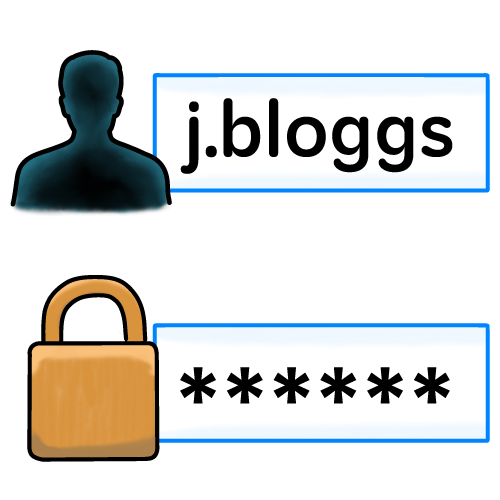
User names and Passwords

username and password illustration
  • A user identifies themselves by entering a user name and password.
  • If the user name and password match entries in a database, access is allowed.

Other Prevention Measures

Firewalls and secure backups are also important prevention measures. Each is a combination of hardware and software.

Firewall
Firewall illustration

A firewall blocks unwanted network traffic. This aims to prevent hackers gaining access to a system from outside, or preventing users accessing blocked content (e.g. Smoothwall).

Hardware firewall devices are located between two networks, filtering data passing between them.

Software firewalls filter network traffic at system level.

Secure Backups
Backup illustration

Data is copied to another location. If the original data is damaged, it can be copied back from the other location.

Backups should be physically located away from the original data, preferably on a different site, and kept in a securely locked room.

Secure Data Destruction

When an organisation no longer needs the data, or the systems storing it need to be replaced, they must consider how to destroy the data in a secure way.

If they just put the device in the bin, or sold it, hackers would be able to retrieve it.

Data Erasure / Sanitisation
Data sanitisation illustration
  • When data is "deleted" from a disk, it is usually still present and can be accessed with special software.
  • To prevent unauthorised users accessing "deleted" data, it is overwritten with random data.

Magnetic Wipe

A hard disk drive and a magnet
  • Hard disk drives store data as magnetically charged particles
  • By applying a strong magnet to the disk, the particles are disrupted.
  • This permanently corrupts the data, making it unusable. It may also damage the media.
  • This technique only works with magnetic media – it will not work with solid state or optical storage.

Physical Destruction

A hard disk drive and a hammer
  • Media is physically destroyed.
  • Common destruction techniques include:
    • Shredding
    • Drilling holes through media
    • Incineration

Quick Quiz

Click the purple circle to select your answer

Which data destruction method involves shredding or drilling holes through storage media?

Encryption
Magnetic wipe
Data erasure
Physical destruction