Businesses use different types of software for specific purposes. There are five types of software you need to know about: word processing, spreadsheet software, database software, presentation software, and desktop publishing software.
Exam note: it is the type of software you need to know about, not the name of a specific application.
For example, "spreadsheet software" would be a correct answer, "Microsoft Excel" would not.
We have included examples of specific applications to give you a reference to software you may already have used.
Spreadsheet Software
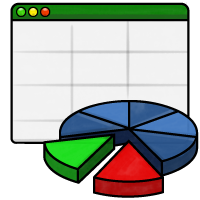
- Stores and processes numerical data.
- Formulae and functions allow complex calculations to be performed.
- Data can be visualised as charts and graphs.
- Example of spreadsheet software: Microsoft Office.
Your R060 coursework project will use spreadsheet software.
Presentation Software
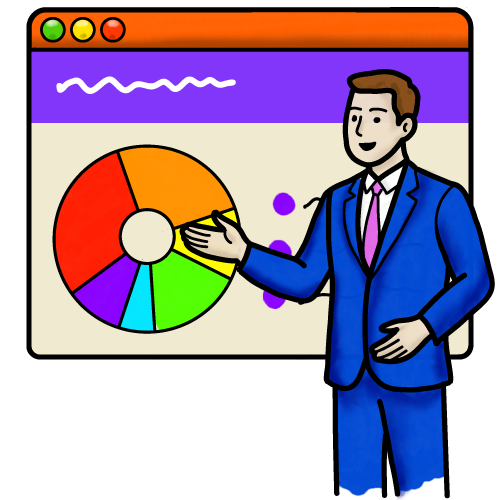
- Text and graphics are shown as a series of slides.
- Used for presenting information to large groups of people (such as lessons to your class).
- Bullet points help condense information into smaller chunks.
- Animations and transitions can be included to attract attention.
- Example of presentation software: Google Slides.
Word Processing Software
- Create and edit text documents, such as letters or coursework documentation.
- Includes writing tools such as spelling and grammar checkers.
- Modern word processors allow basic formatting of the document, such as changing the typeface or adding images.
- Example of word processing software: Apple Pages.
Database Software
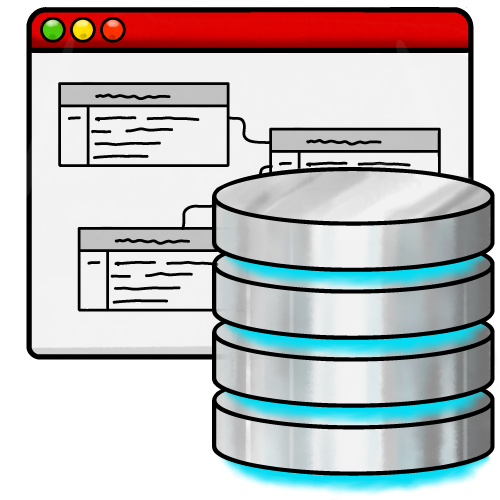
- A database stores and organises large amounts of linked data.
- Queries are used to search data and return results, which can be used to populate web pages or generate reports.
- Your school register is an example of a database.
- Example of database software: Microsoft Access.
Desktop Publishing (DTP) Software
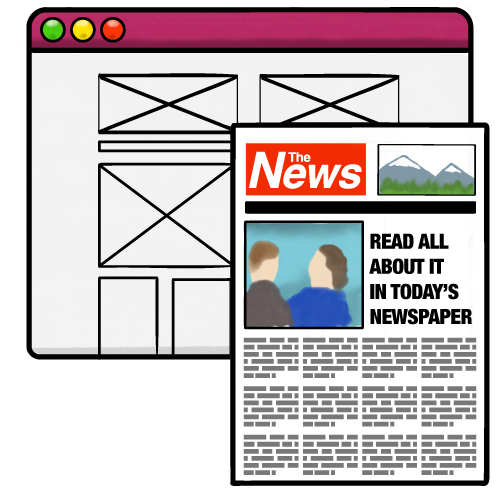
- DTP software is used to create the layout and design of a document.
- Text and images are imported from other applications, they are not usually created within the DTP software.
- DTP software can generate very high quality output which is suitable for high-volume commercial printing (such as a newspaper).
- Example of DTP software: Adobe InDesign.
Word Processing vs Desktop Publishing Software
At first glance, word processing and DTP software seem to offer many of the same features. However, they are very different and you need to understand the key differences between them.
Word Processing Software
- Purpose: text creation and editing
- Text handling: text flows continually down the page
- Images: basic, with awkward image positioning
- Layout: basic level of control
- Ease of use: simple for beginners
Desktop Publishing Software
- Purpose: layout and visual design
- Text handling: text is in frames which can be moved and resized
- Images: precise image positioning
- Layout: high level of control
- Ease of use: complex, design skills required
Desktop Publishing Software in Production
Click through the slides to see how a newspaper uses desktop publishing software to design and lay out its pages.
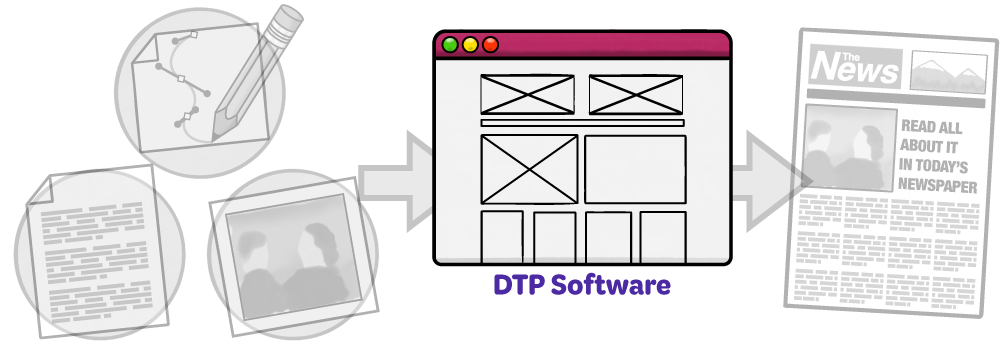
A compositor will create the page layout using desktop publishing software.
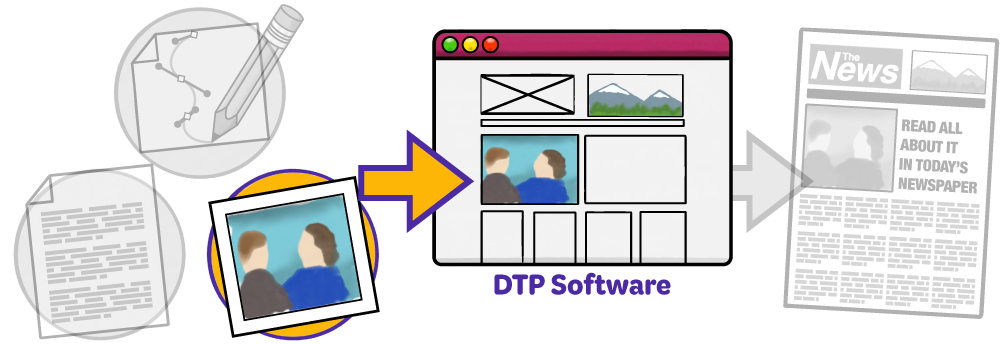
A photographer will supply photos. They may be cropped to fit the layout, or the layout might be adjusted to fit the photo.
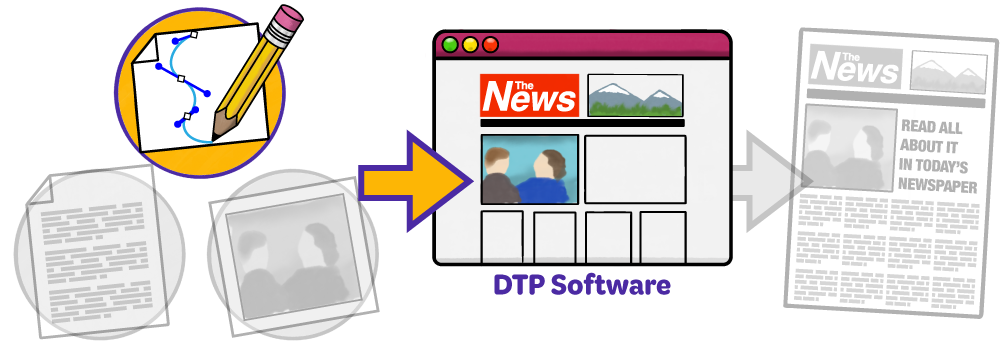
A graphic designer will create and supply illustrations including infographics, logos, and adverts.
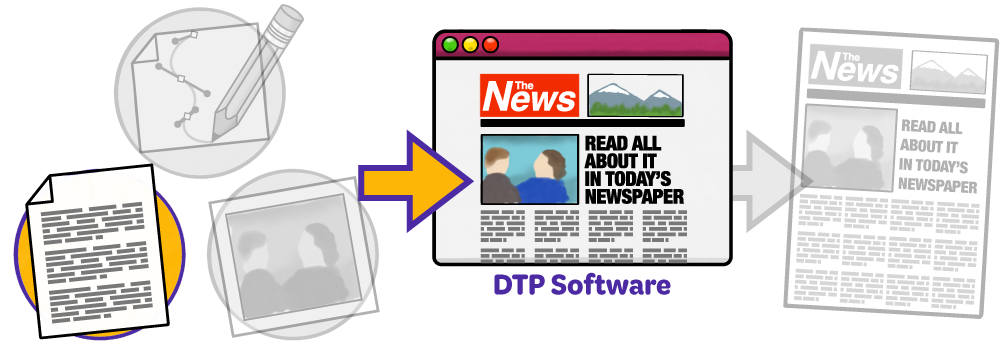
A journalist or copy writer will supply the text for the page. The layout or text might be adjusted to make everything fit.
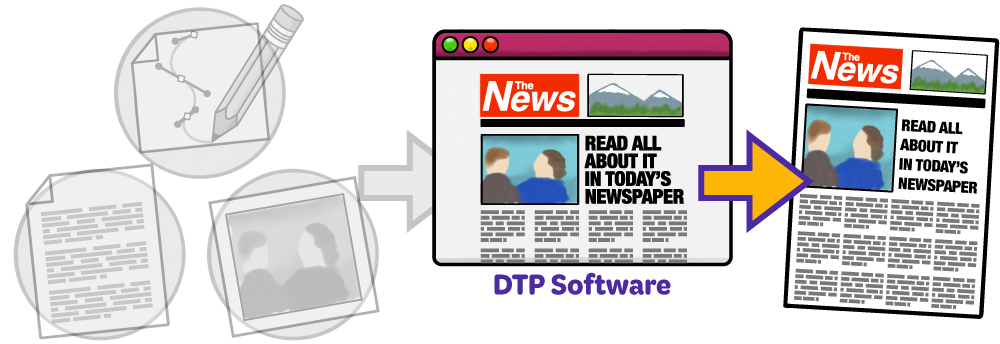
When everything is in place, the file will be exported and sent to be printed on a commercial printing press.