We use a range of devices to create, send, and receive communication every day. You need to be able to describe the following, including identifying appropriate scenarios for using each one: smartphones, tablets, smart TVs, smartboards, and PCs.
Smartphones
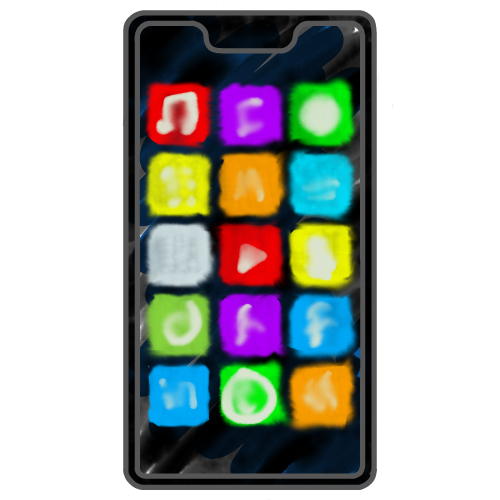
Pocket-sized digital devices that combine a mobile phone with computing features, allowing users to communicate through calls, messages, email, social media, and apps using mobile data or Wi-Fi.
- Built-in microphone, speaker, camera allow voice and video calls
- Very portable
- Always connected (Wi-Fi and 4G/5G mobile data)
- Small screen makes detailed content creation difficult
- Typing long documents is awkward and prone to mistakes due to the small on-screen keyboard
Tablets
Lightweight touchscreen devices larger than smartphones, used for digital communication such as email, messaging, video calls, and sharing content. They connect to the internet using Wi-Fi, although some models also have 4G/5G mobile data connections.
- Lightweight and portable
- A large touchscreen makes creating and interacting with digital content easier than on smartphones
- The onscreen keyboard, whilst better than a smartphone's, is still awkward and inaccurate
- Less powerful than PCs, less portable than a smartphone
Smart TVs
Internet-enabled televisions that can stream online content, display shared media, and support communication such as video calls or live broadcasts on a large screen. Many smart TVs allow users to install additional apps from an app store.
- Very large screen sizes are available, making them ideal for conference rooms and advertising displays
- Good availability of apps for many devices
- Limited interactivity – often just a TV remote control
- Not portable
Smartboards
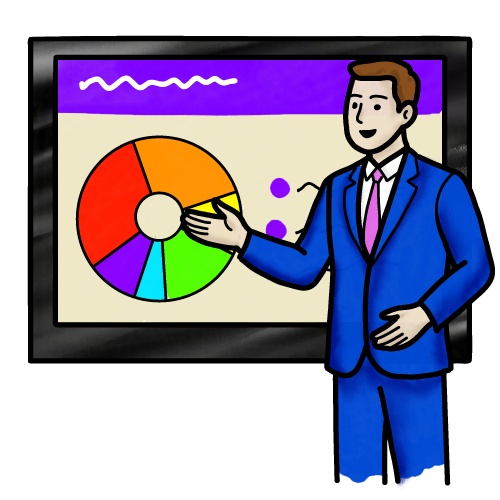
Large interactive display boards, often much larger than smart TVs. They have touch-sensitive screens that allow users to display, annotate, and share digital content and support collaborative communication.
Smartboards are often found in classrooms and training areas.
- Very large screens
- Touch screen provides interaction, allowing live annotations and note-making
- Visual and engaging
- Limited app availability
- Their size and weight mean they must be professionally installed and cannot easily be moved
Personal Computers (PCs)
Powerful and customisable with a wide range of software and additional hardware available. PCs are all-purpose devices which can be used for all types of digital communication.
Their power and flexibility also make them ideal for creating most types of digital content, although additional hardware may be needed for some tasks.
- Excellent all-round device for creating, sharing, and interacting with digital content
- Components can be customised for specific requirements, e.g. additional RAM for memory-intensive tasks
- Full keyboard
- Laptops have poorer battery life than smartphones and tablets
- Often more complicated than other devices
Laptop PCs Versus Desktop PCs
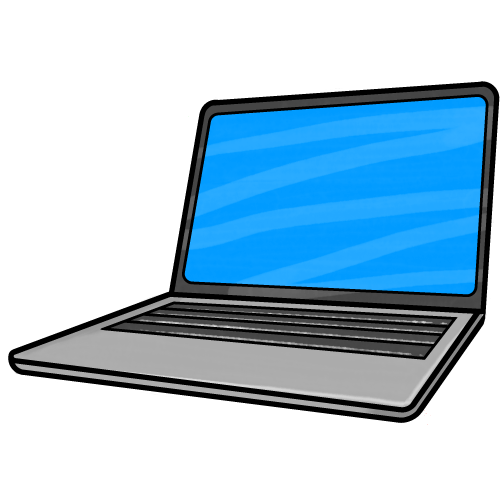
Laptop PCs
- Small and portable, but larger and heavier than a tablet
- Can run off a battery, but battery life is often poor – especially when performing intensive tasks
- Less powerful than a desktop PC
- Limited options to customise or upgrade
Desktop PCs
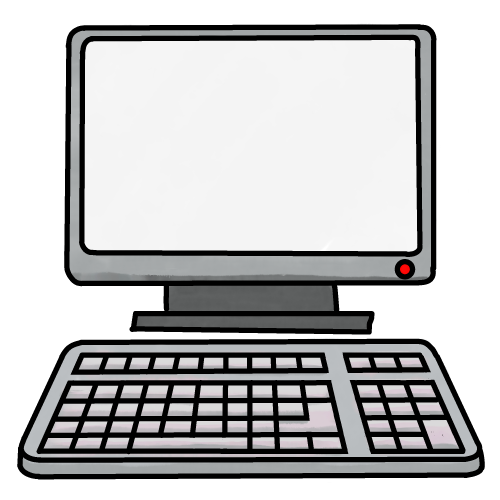
- Large, heavy, and not portable
- Require a constant power supply
- Usually has more storage and processing power than a laptop
- Hardware components can be changed or upgraded, such as adding more RAM or a larger monitor.