What is a Distribution Channel?
The method of getting content from the organisation which created it to the end user is called the distribution channel.
We have already looked at most types of distribution in the other sections of this qualification, now we need to see how they are used.
Distribution Channel: Websites

Content, such as text, videos, downloadable files, and interactive elements, are stored on a webserver. The user accesses them through a web browser.
- Can be accessed by any web browser at any time
- Globally available
- Easy to update
- Can be difficult to stand out due to lots of competition
- Needs internet
- Requires ongoing maintenance
Distribution Channel: The Cloud
Content such as documents, photos, and videos, are stored on a remote server. The user accesses the content via an internet connection.
- Can be accessed worldwide
- Tools for easy collaboration
- Automatic updates
- Needs internet
- Ongoing subscription costs
- Potential security risks
Distribution Channel: Multimedia
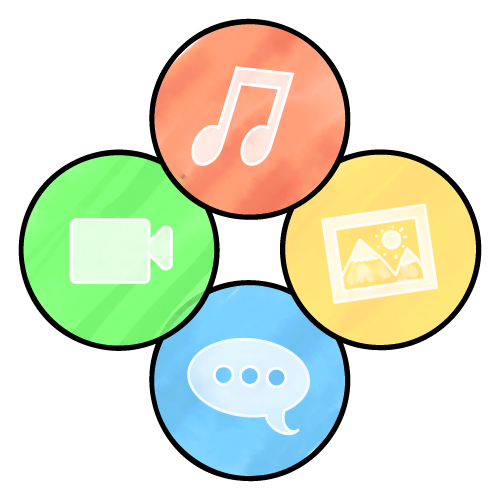
A combination of video, audio, images, and text. Multimedia is often interactive and is a common way to deliver online training to staff. It may be part of a website or app.
- Engaging
- Easy to understand
- Appeals to different learning styles
- Can be difficult / costly to produce
- Audio and video file sizes can be large
Distribution Channel: Email

Content is sent directly to a recipient's email inbox. Ideal for sending personalised text, small attachments can also be added.
- Low cost (but often not free for businesses)
- Quick delivery
- Attachments can be added
- Not instant
- Users may ignore it
- Messages can get blocked by spam filters
Distribution Channel: Messaging

Instant communication using messaging apps. Messages are mostly text, but images, audio, and video are also supported.
- Low cost
- Instant delivery
- Support for image and video files
- Requires a constant internet connection
- Limited formatting options
Distribution Channel: Mobile Apps

The user downloads an app to their device. Content may be built-in to the app, or the app may download content from a cloud service.
Apps can include any type of digital content and be highly interactive.
- Most content works offline
- Push notifications to alert users
- Personalised content
- Highly interactive
- Expensive to develop
- Users must download and install it
Distribution Channel: VoIP (Voice Over Internet Protocol

Voice communication across the internet — think of it as making a phone call across the internet. Video calling is usually also supported.
- Low cost — often free
- Real-time communication
- Avoids phone call charges
- Requires fast and stable internet connection
- Audio / video quality issues