In the previous section, we looked at the different ways an organisation can get their content to their audience. In this section, we will look at how the data travels from an organisation to their audience.
Exam note: you do not need to know the hardware needed to connect to networks.
Connecting to a Local Area Network (LAN)
When we're at home, in school, or in a business, we will often connect to the local area network. If we want to access the internet, the data passes through the LAN and then to the internet.
Our devices can use Wi-Fi to connect wirelessly, or using Ethernet to connect using a cable.

Wireless Connectivity
Wi-Fi
- Devices are connected without wires
- Allows devices to be portable
- Range of up to around 100 metres
- Data can be easily intercepted, so extra security needs to be used
- Affected by electromagnetic interference
Bluetooth

- Bluetooth is a short-range wireless connection
- It has limited bandwidth, so data transfer is slow
- Mostly used for connecting peripherals, such as a wireless mouse to our computer, or wireless headphones to our phone
Wired Connectivity
Ethernet
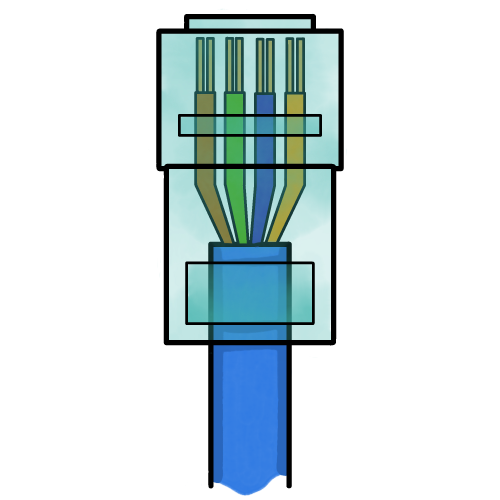
- Cables are made from copper
- High bandwidth for fast data transfer
- Secure: data interception is difficult
- Reliable: less prone to interference
- Lot of cabling can be messy
- Not suitable for portable devices
Fibre Optic Cables

- Cables are made of glass or clear plastic
- Data is transmitted as pulses of light which is shone down the cable
- Used for long distances, and very fast data transfer
- Despite being made of glass, cables are flexible and strong
4G and 5G Cellular Connectivity
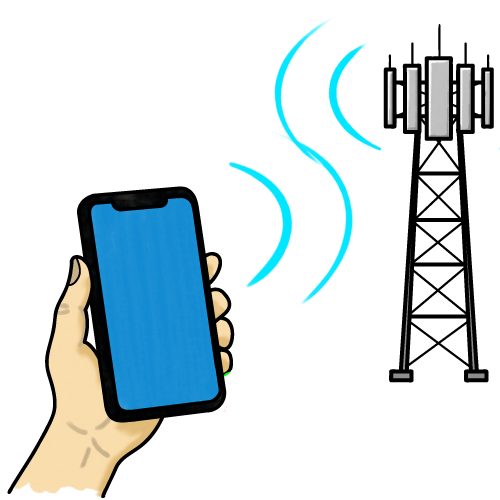
When we’re out and about, we may be able to wirelessly connect our devices to a mobile phone mast.
4G connectivity: high speed internet, suitable for online gaming and HD video streaming.
5G connectivity: ultra fast internet, supports huge numbers of devices and the internet of everything.
The maximum distance between our device and the mast varies between 1km and 15km. This offers a high level of connectivity, regardless of where we are. However, the range is affected by:
- Physical objects (e.g. buildings and hills)
- Electromagnetic interference (e.g. power lines)
- Weather (e.g. storms)
Mobile Hotspot
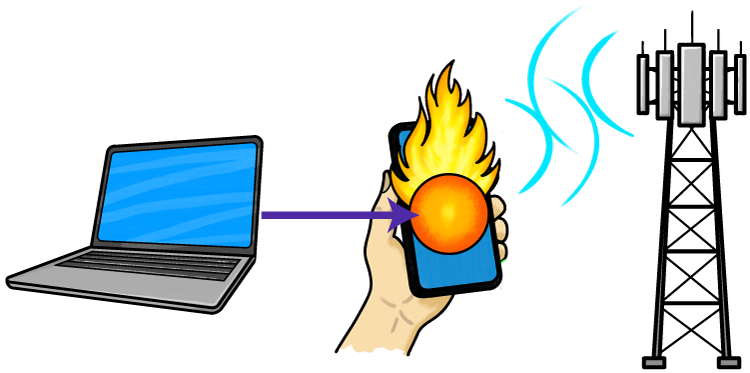
If we cannot connect to a 4G/5G cellular network, we might set up a hotspot on another device.
The other device (usually a phone) shares its cellular connection. Our device connects to the hotspot using Wi-Fi, and the hotspot device connects to the 4G / 5G network.
Mobile hotspots are useful for sharing connectivity between several devices which cannot connect to the cellular network, but are often slower than a single connection, rapidly use data, and can quickly drain batteries.